A changelog is a log or record of all notable changes made to a project. The project is often a website or software project, and the changelog usually includes records of changes such as bug fixes, new features, etc. Some open-source projects include a changelog as one of the top-level files in their distribution.
A changelog has historically included all changes made to a project. The “Keep a Changelog” site instead advocates that a changelog does not include all changes, but that it should instead contain “a curated, chronologically ordered list of notable changes for each version of a project” and should not be a “dump” of a git log “because this helps nobody”.
Changelogs in Docy
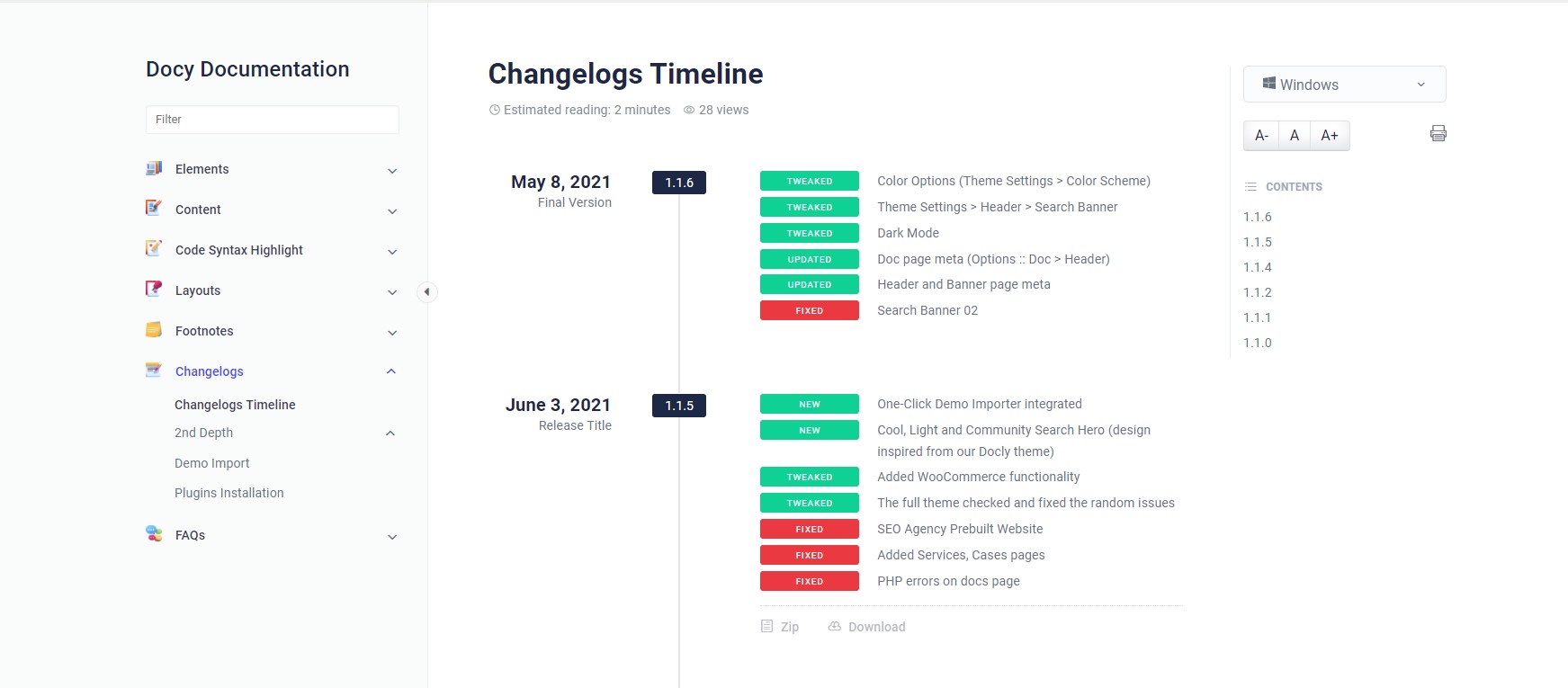
We bought you an interactive and useful changelogs system for you in the Docy WordPress theme. See the design of the Changelogs below-
Changelogs design on Docy Theme Demo
How to create Changelogs
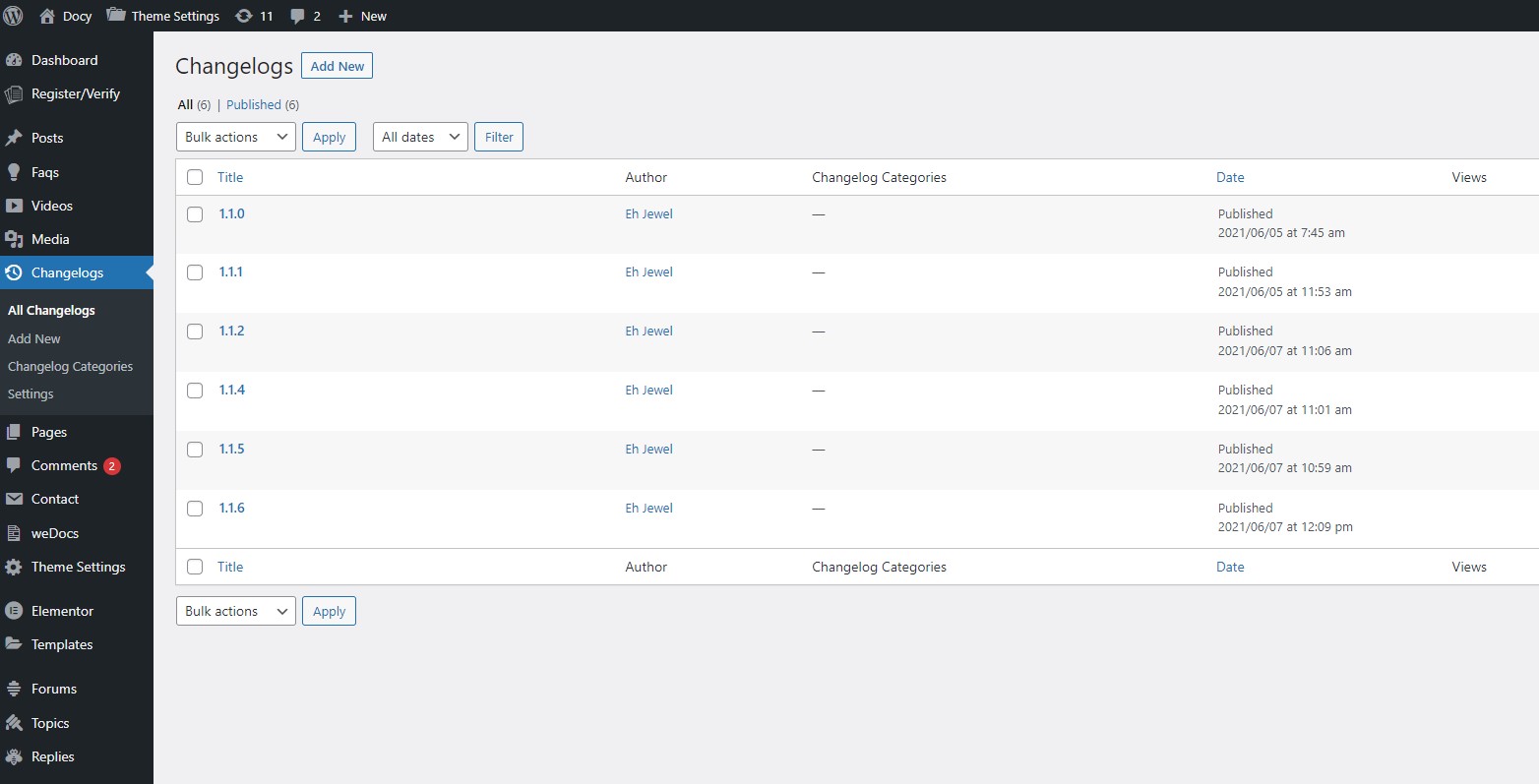
You will find a custom post type named “Changelogs” in your WordPress admin dashboard.
After adding changelogs, you would need to display them on the website frontend. There is available an Elementor widget named Changelogs which will display the changelogs. Insert that widget to display your changelogs.
Spark your imagination with captivating e-books, the go-to destination for audiobooks. Explore our audiobook hub with endless tales from international to regional authors. With diverse voices and hands-free reading, we’re your perfect companion for literary adventures.
Support
Have questions? Get in touch or check out our Help Center.