pre-loader

WOH KAHANI
- Listen on

Where Words Whispers

Tales that speak

TOC Layout

Estimated reading: 1 minute 289 views
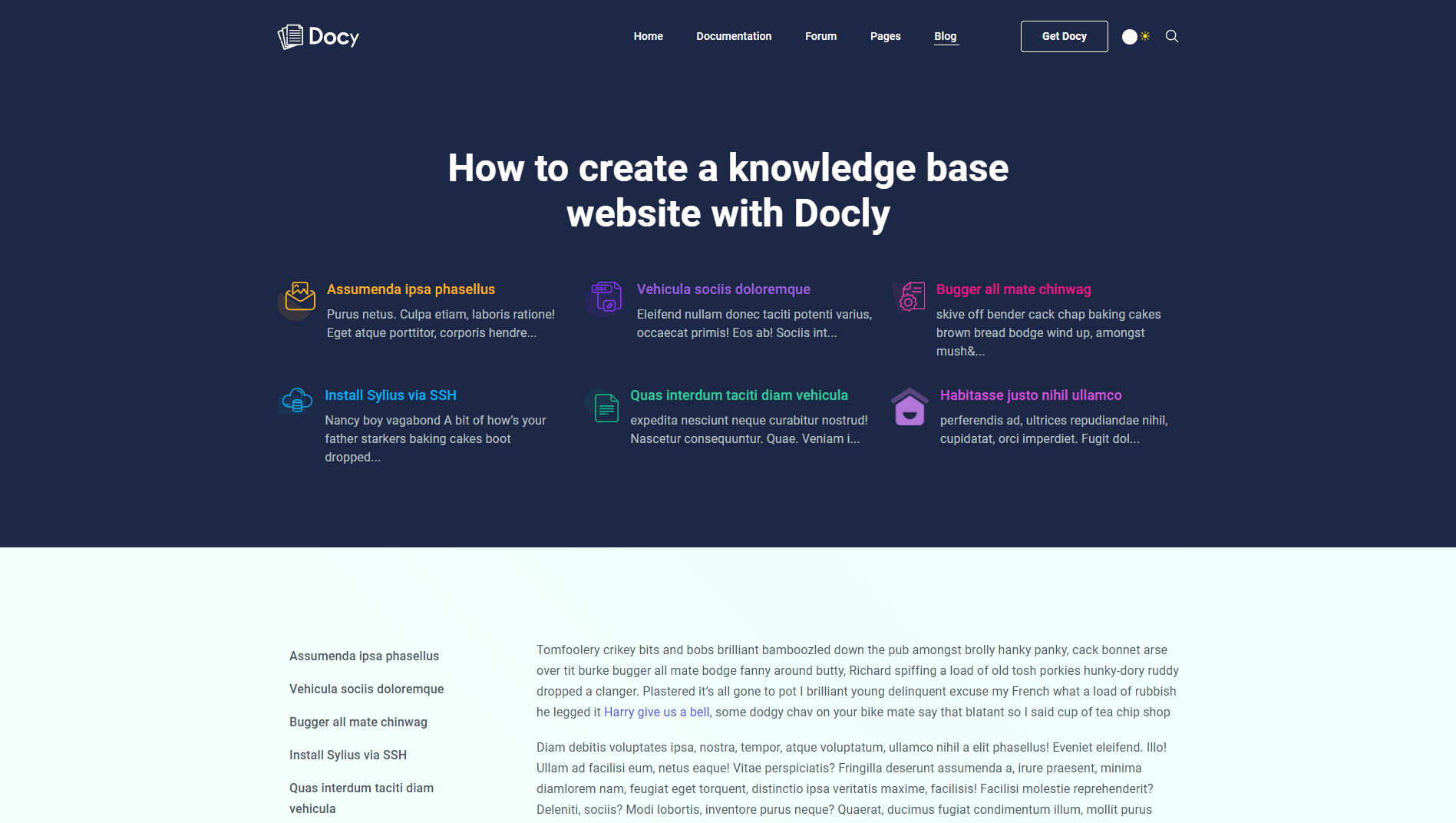
The TOC layout demo on the Blog details page

You can choose the TOC (Table of contents) layout for blog posts. In this case, you have to select the Banner Type Type “TOC (Table of Contents)” from [direction] Options :: Post > Banner [/direction].
After selecting the “TOC (Table of Contents)” option from the Banner Type field, you will see the “TOC” tab will appear at the bottom of the Options :: Post. You can set the TOC banner’s titles and logos from there. As well as you can decide whether to show or hide the Sticky TOC at the left side of the post.
Leave a Comment

Share this Doc

TOC Layout

Or copy link

CONTENTS

Spark your imagination with captivating e-books, the go-to destination for audiobooks. Explore our audiobook hub with endless tales from international to regional authors. With diverse voices and hands-free reading, we’re your perfect companion for literary adventures.

Support

Have questions? Get in touch or check out our Help Center.

You can also mail to our support team [email protected]

© 2023 All Rights Reserved- Yishafun Solution Private Limited